Avatar Builder: preview every outfit on your own avatar
Set your gender, skin tone, hair color and hairstyle once, and every suggested outfit appears on your avatar. The fastest way to get an idea without uploading a photo.
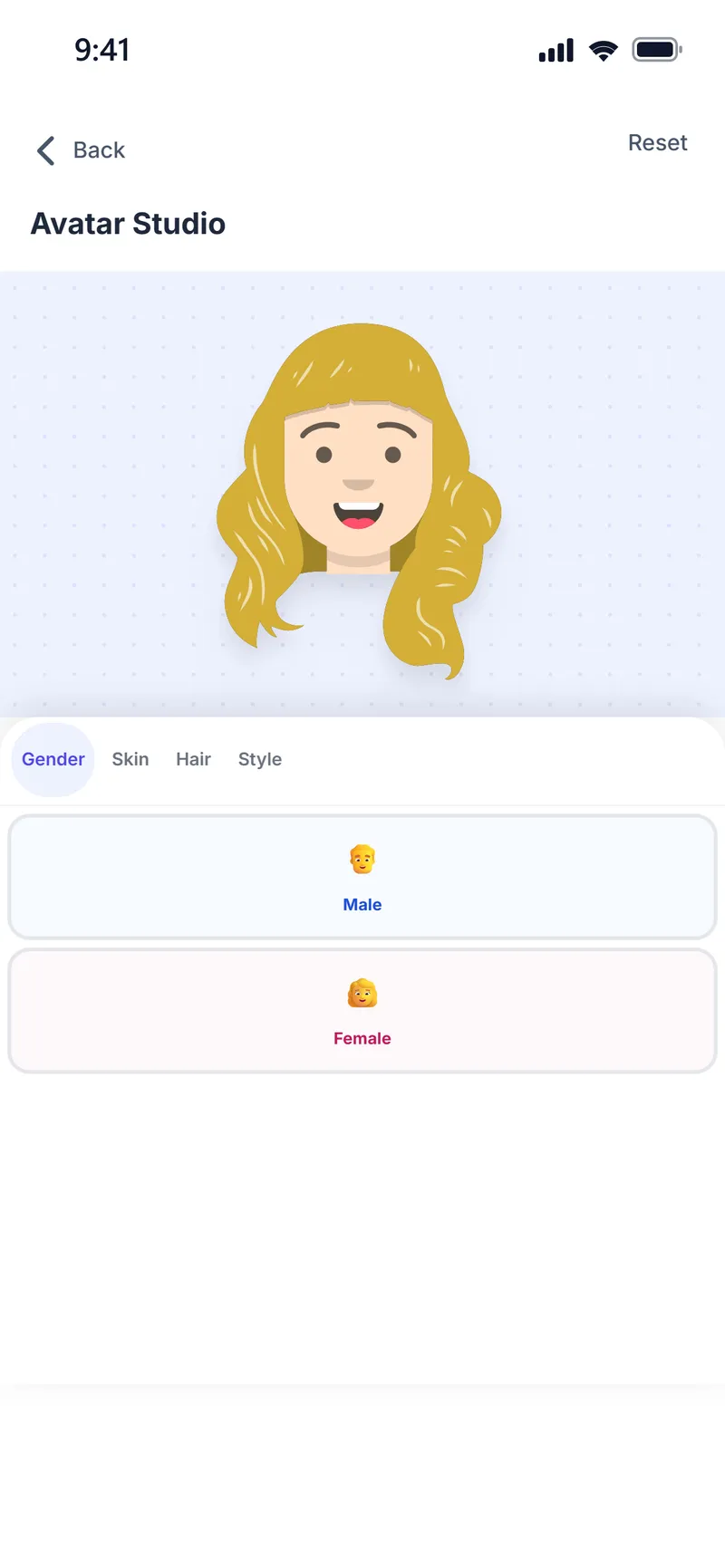
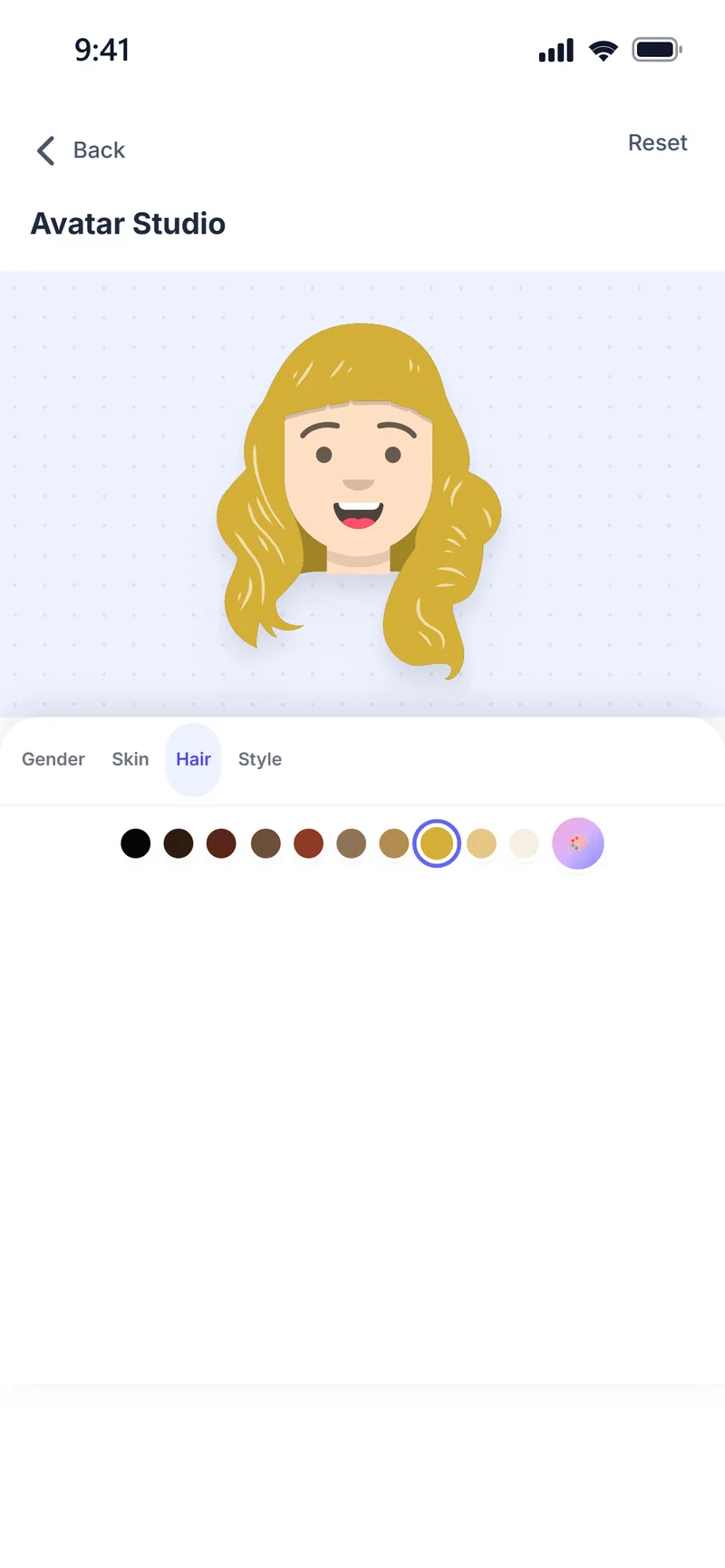
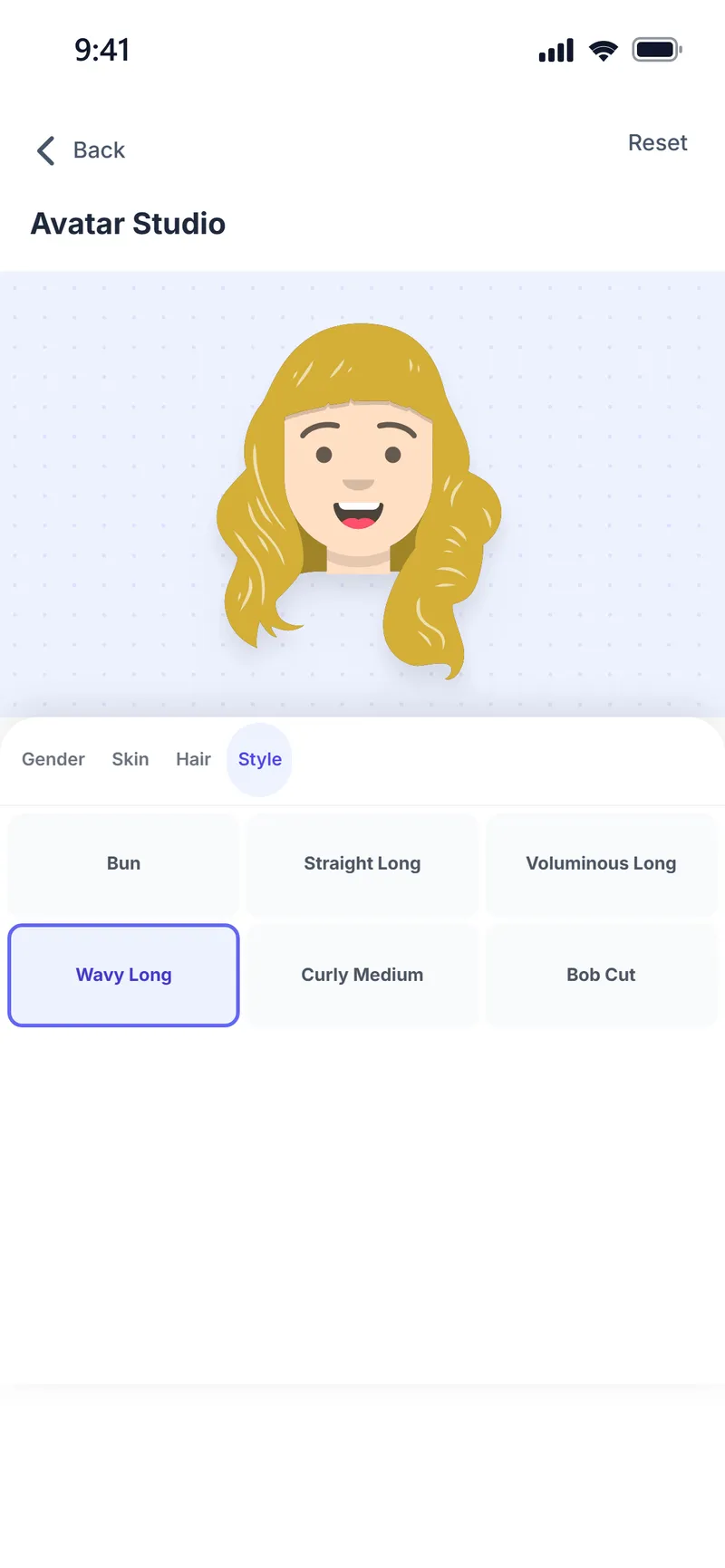
What is the Weather Style Avatar Builder?
The Weather Style Avatar Builder is a free feature where users create a cartoon character that looks like them by choosing gender, skin tone, hair color and hairstyle, then see the app's outfit suggestions on that avatar without uploading a photo.
The avatar is used in daily outfit suggestions, the Style Assistant and your try-on history. To see an outfit on your own photo, send the same outfit to the virtual fitting room.
Why people use it
Looks like you
Choose gender, skin tone, hair color and hairstyle.
Every outfit on it
Suggested outfits appear piece by piece on your avatar.
No photo needed
You do not need to upload a photo to get an idea.
Your try-ons
Outfits you have tried on your avatar stay in a list.
Share
Share your avatar in an outfit in one tap.
Free
Creating and editing your avatar is free.
How do you create an avatar?
Open your profile
Tap the profile icon at the top right, then tap your avatar to open Avatar Studio.
Gender and skin
Make your choices in the Gender and Skin tabs.
Hair
Pick your color in the Hair tab and your hairstyle in the Style tab.
See outfits
Tap Try On on an outfit suggestion to see it on your avatar.
Screens from the app
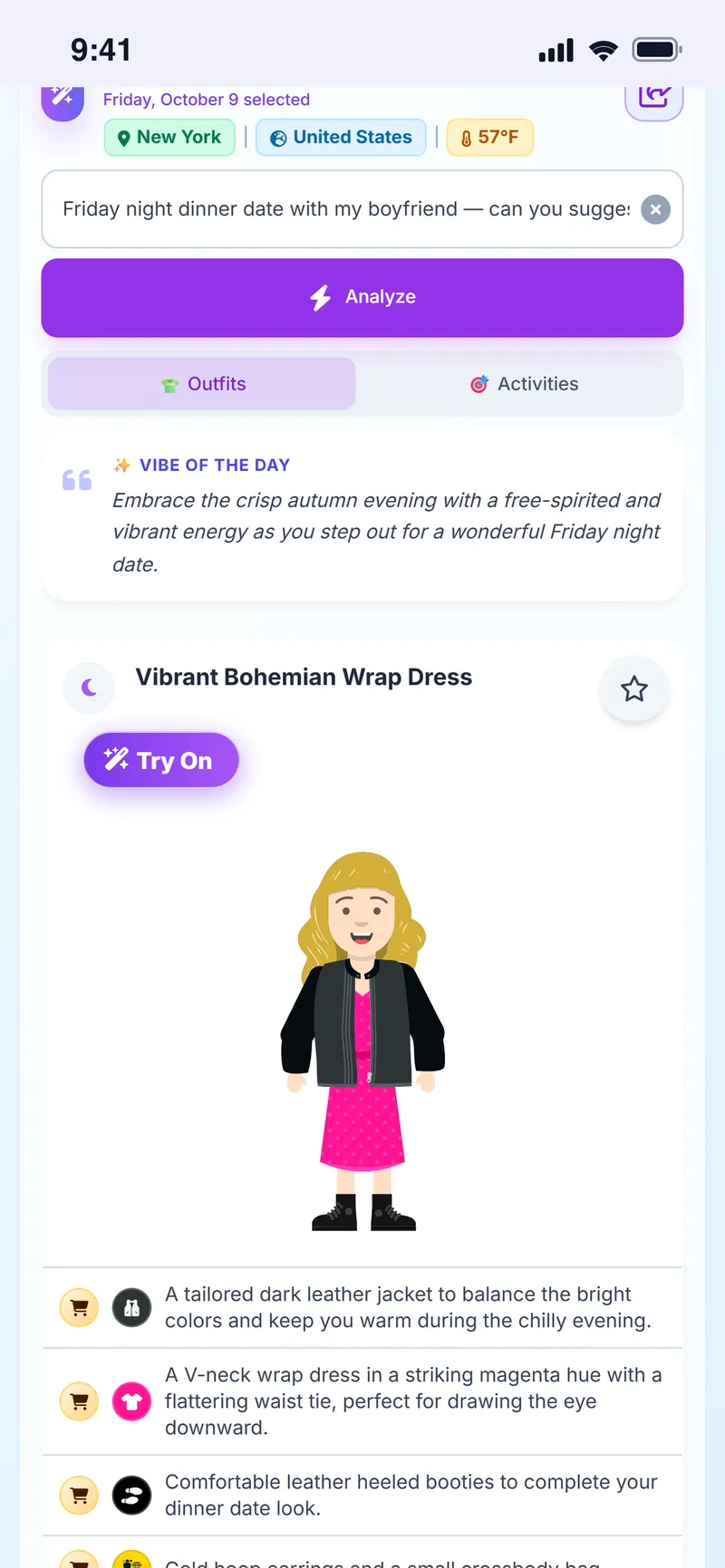
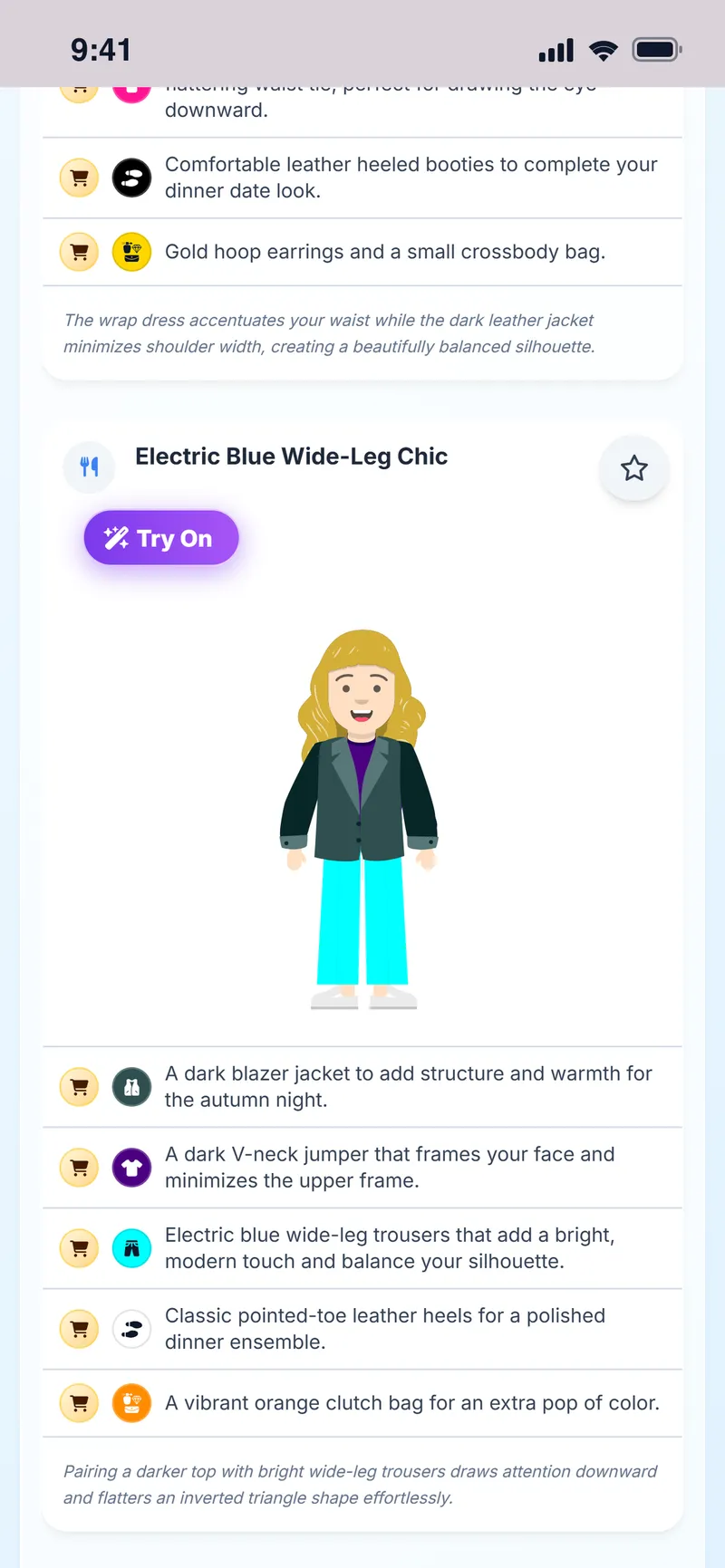
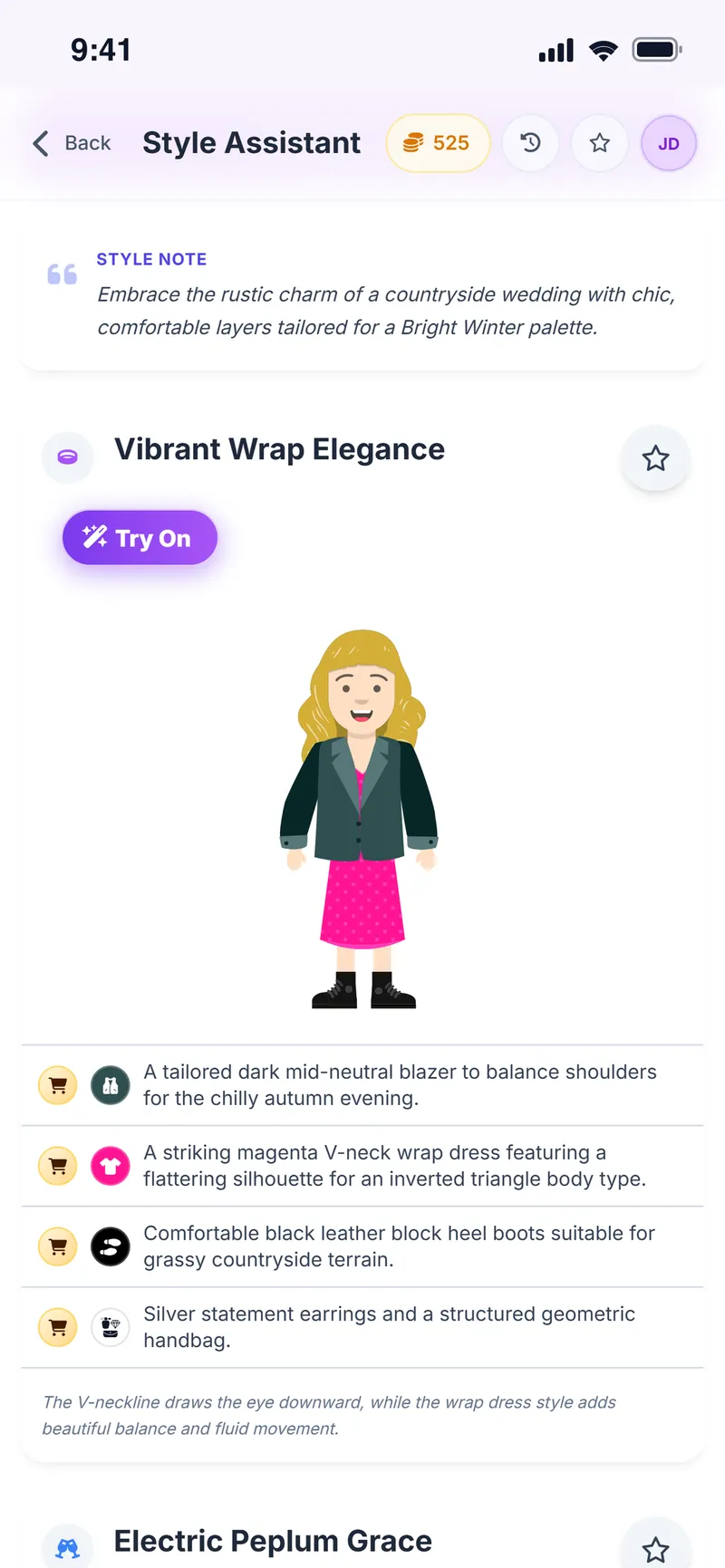
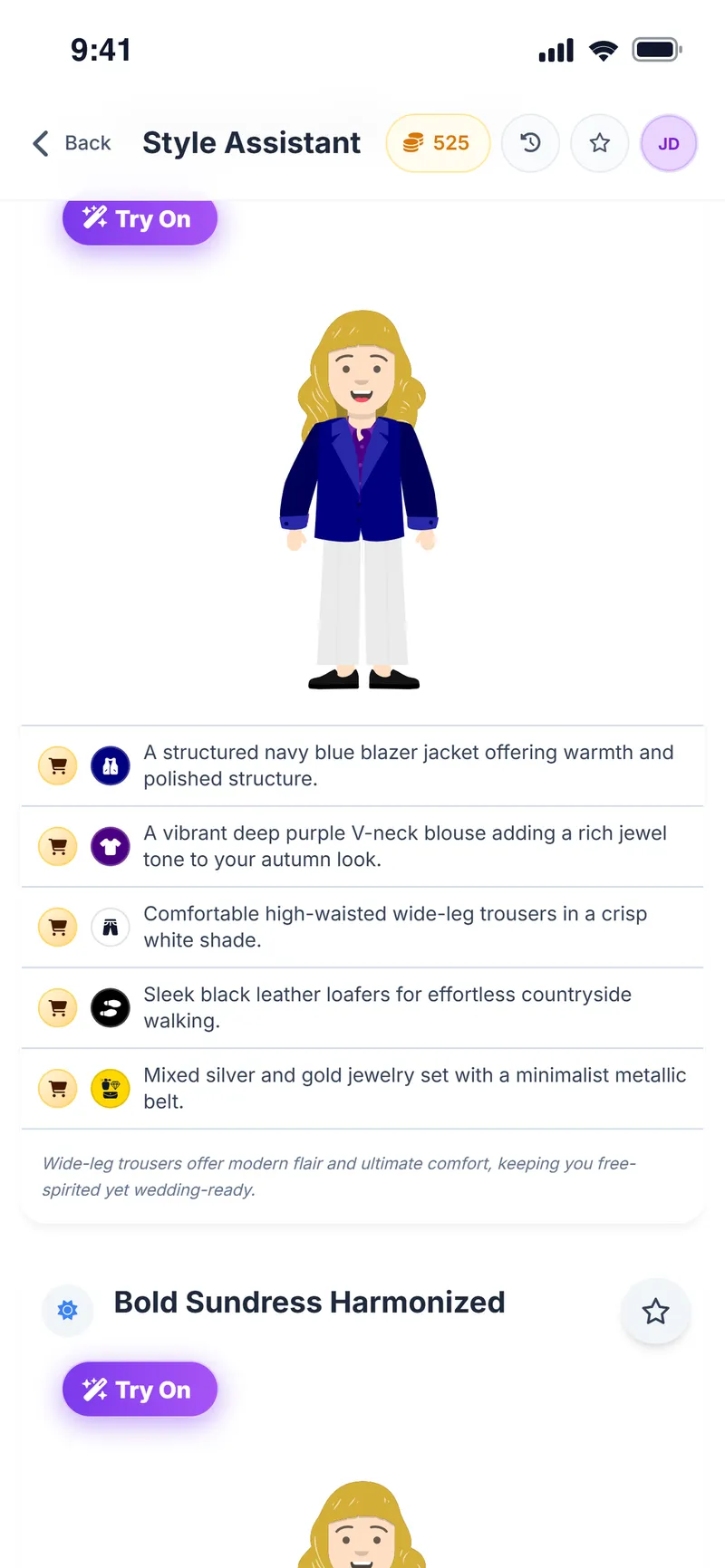
See the outfit on your avatar first
Create your avatar in a few taps.
Avatar FAQ
Is creating an avatar free?
Yes. Creating and editing your avatar is free.
Do I need to upload a photo?
No. Your avatar is built from your choices; no photo is needed. To see an outfit on your own photo, use the virtual fitting room.
Can I change my avatar later?
Yes. Go back to Avatar Studio from your profile to change or reset it any time.
What's the difference between the avatar and virtual try-on?
The avatar shows an outfit on a cartoon character instantly. Virtual try-on uses AI to apply the outfit to your own photo.
What can I choose for my avatar?
Gender, skin tone, hair color and hairstyle.
Where is my avatar used?
In daily outfit suggestions, the Style Assistant and your try-on history.
Can I share my avatar in an outfit?
Yes. Share your avatar in an outfit in one tap.
More Weather Style features
Shopping Assistant
Turn every store find into a clearer decision
Virtual Try-On
See it on yourself before you decide
Chrome Extension
Take Weather Style shopping with you
Weather & Daily Plan
Your weather and your profile, turned into a daily plan
Color & Body Analysis
Discover the colors that really suit you
Style Assistant
The right outfit for every occasion
Event Assistant
Plan where you're going, not just what to wear


Build your avatar and preview every outfit on it
Download Weather Style and create your avatar.
Some AI features use coins. In-app purchases are available.