Color & Body Analysis: find the colors that suit you
Fill in a short survey or add a photo; Weather Style finds your color season, undertone and body type, then shows the colors and cuts that suit you.

What is Weather Style color analysis?
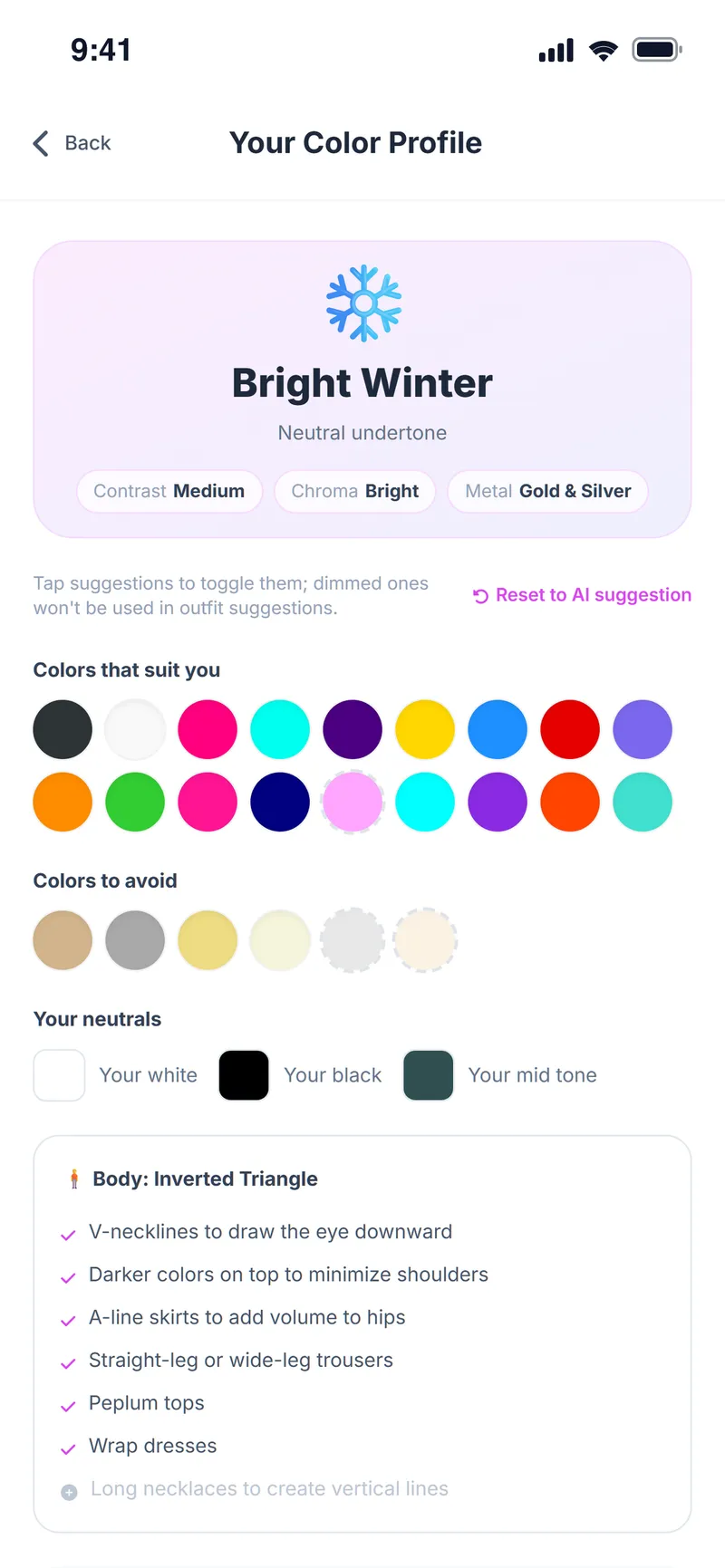
Weather Style color and body analysis is an AI feature that identifies a user's color season (for example Light Summer or Bright Winter), undertone, contrast and chroma, the colors that suit them and the colors to avoid, their personal neutrals, and cut recommendations for their body type.
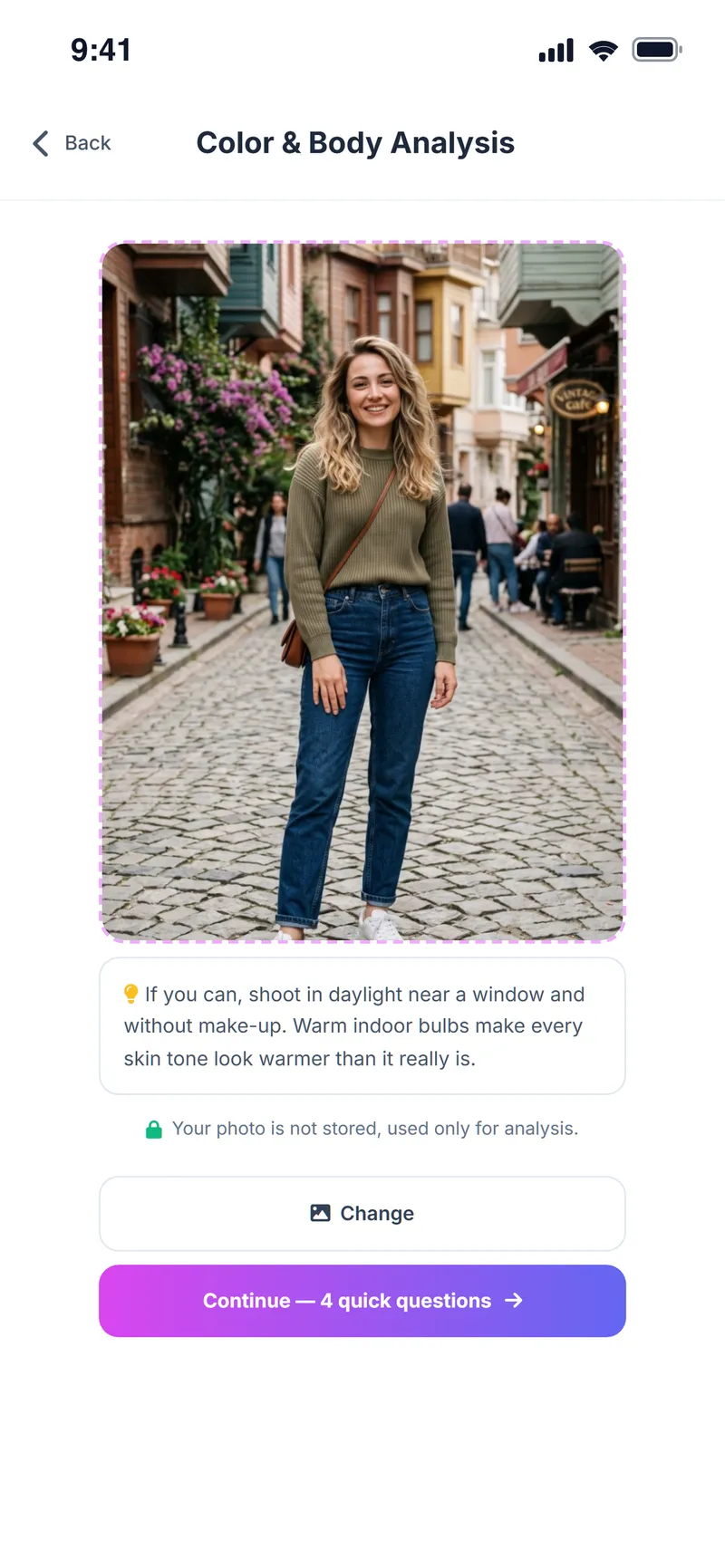
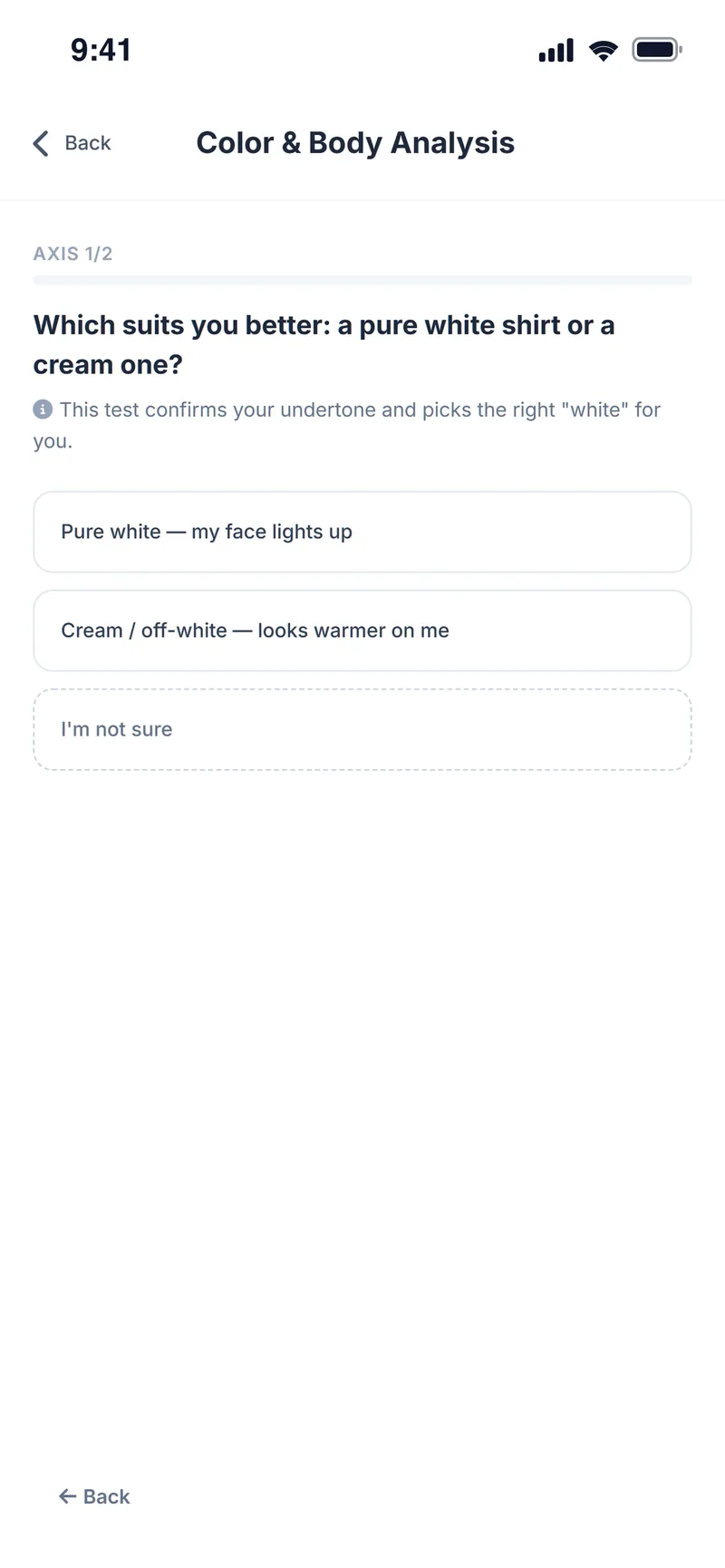
The analysis can be done two ways: a free 10-question survey with no photo, or a more precise photo method that measures the colors in your photo and finishes with 4 questions. The result is used in outfit suggestions, product reviews and the Chrome extension.
Why people use it
Works without a photo
The 10-question survey is free and needs no photo.
More precise results
The photo method measures skin, hair and eye colors from your photo.
Your personal palette
Your color season, undertone, contrast and metal match.
Suits you vs. avoid
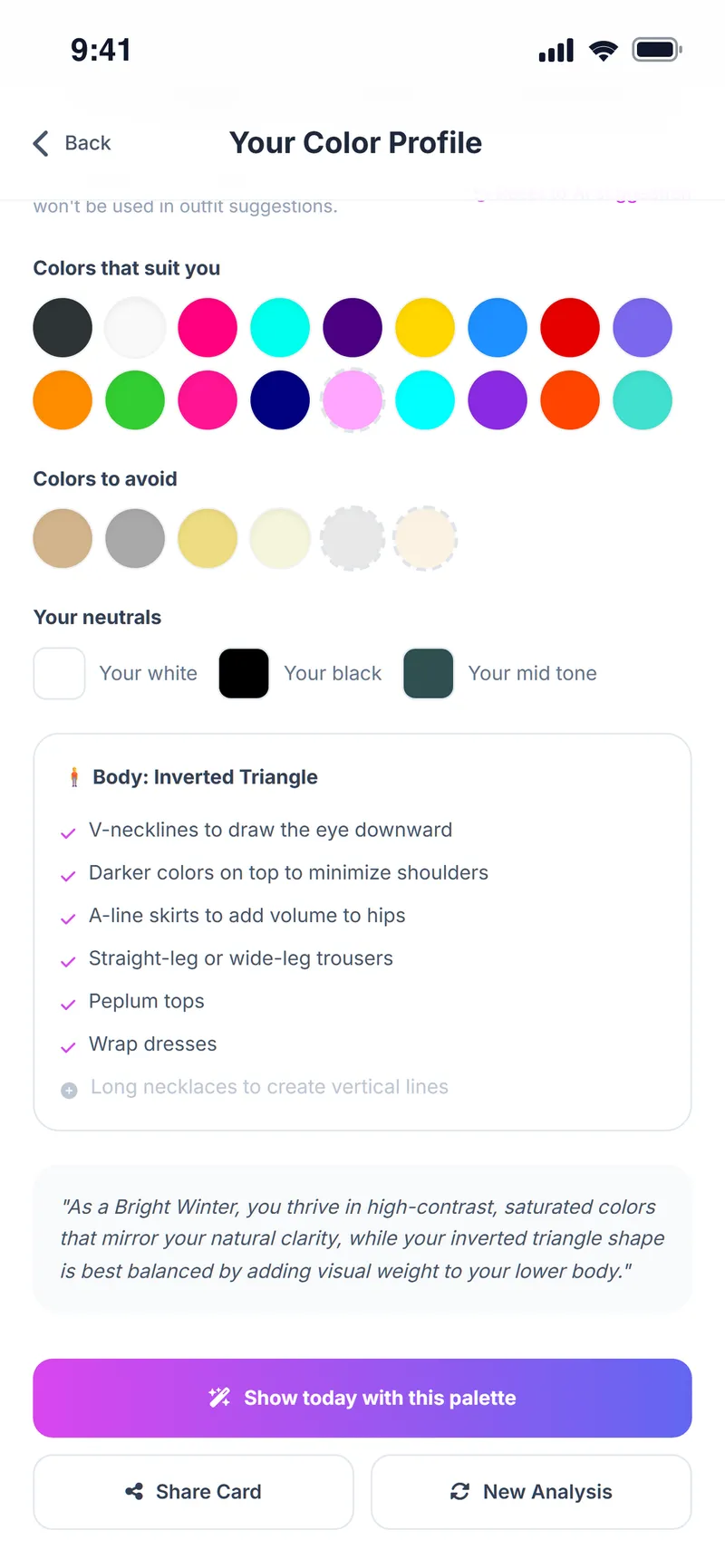
Colors that suit you and colors to avoid are listed separately.
Cut recommendations
See which necklines, skirts and trouser cuts flatter your body type.
Used everywhere
Your palette personalizes outfit suggestions, product reviews and the extension.
How do you do a color analysis?
Open your profile
Tap the profile icon at the top right and find the Color & Body Analysis card.
Choose a method
Pick the free survey or the photo analysis.
Answer the questions
Answer short questions about your skin, hair, eyes and body shape; add a selfie for the photo method.
Review your palette
See your color season, colors that suit you and to avoid, and body type tips.
Use it
Tap "Show today with this palette" for a daily outfit in your palette, or share your card.
Screens from the app
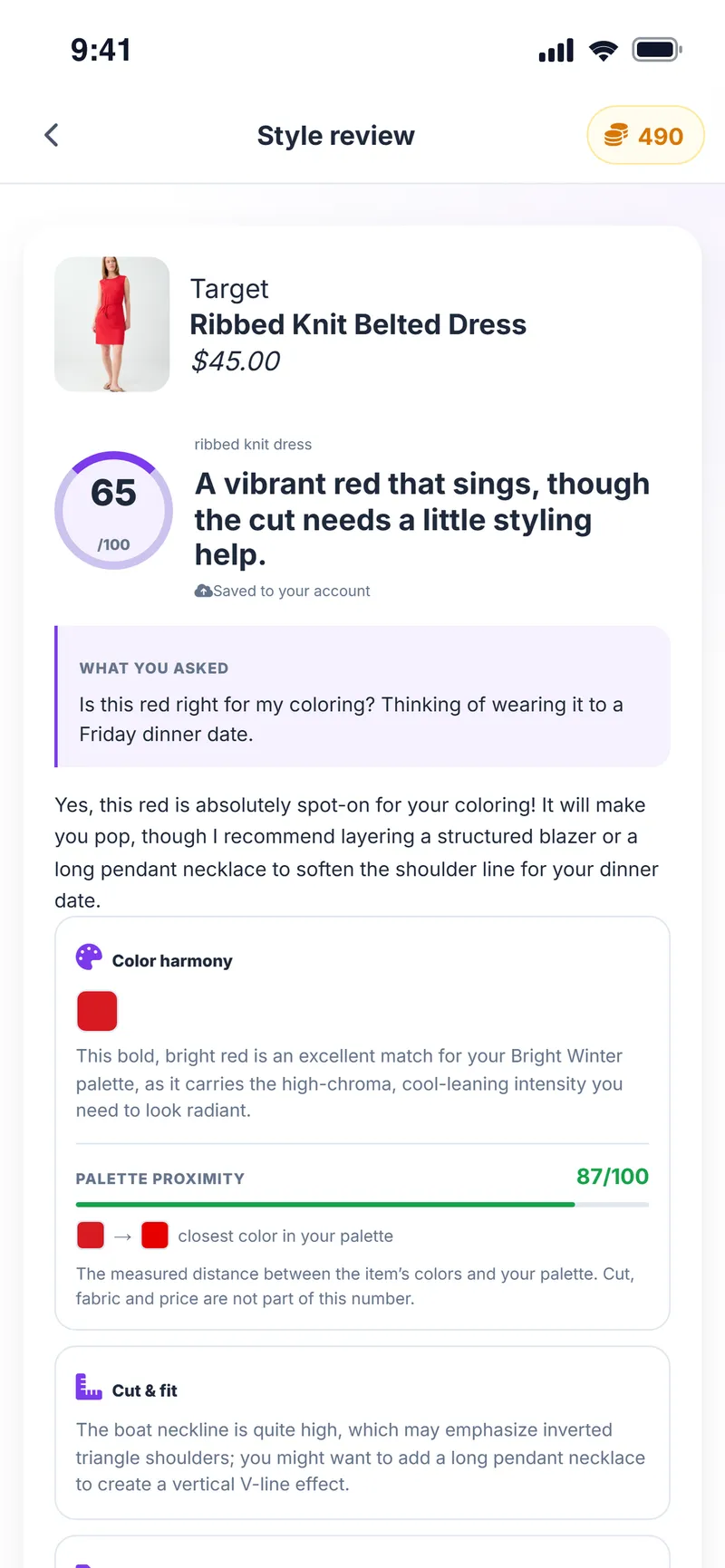
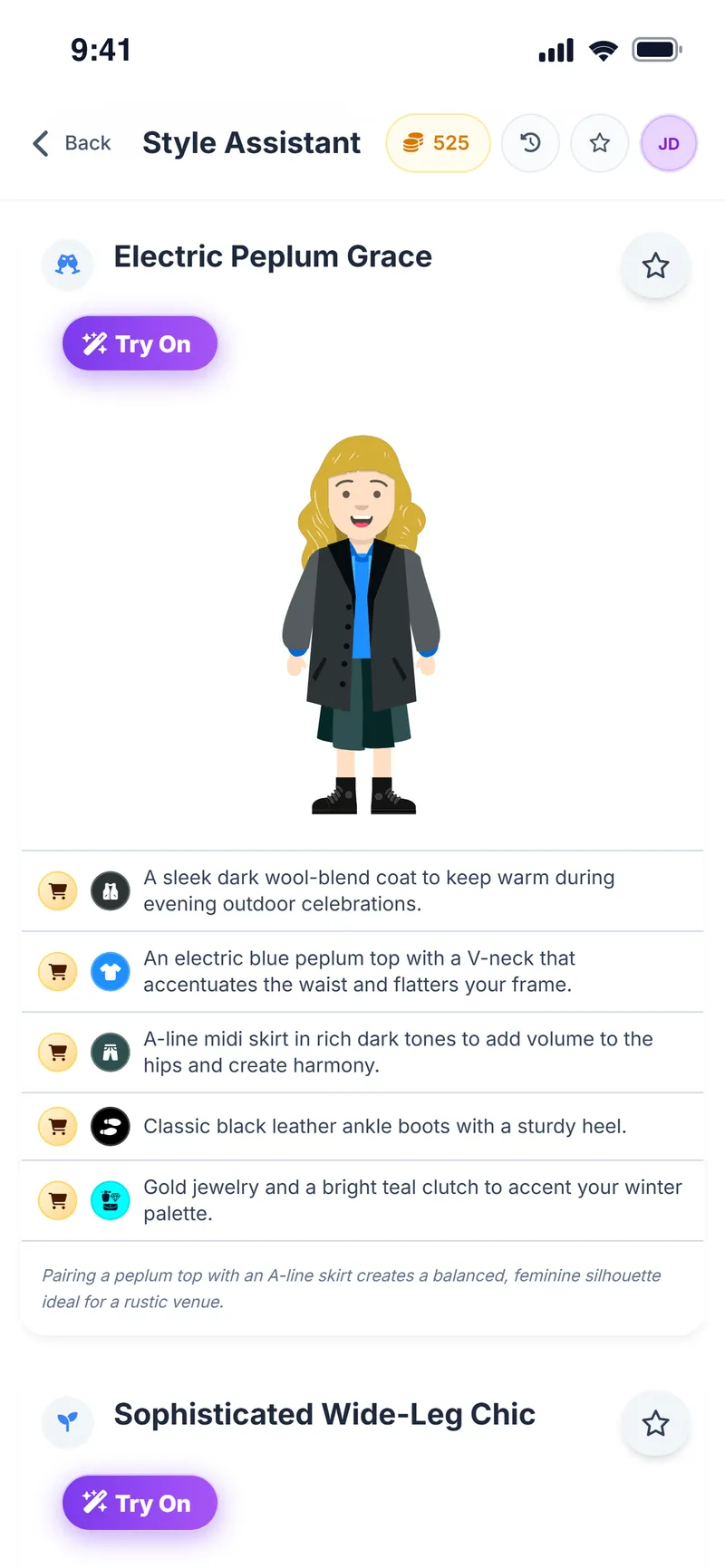
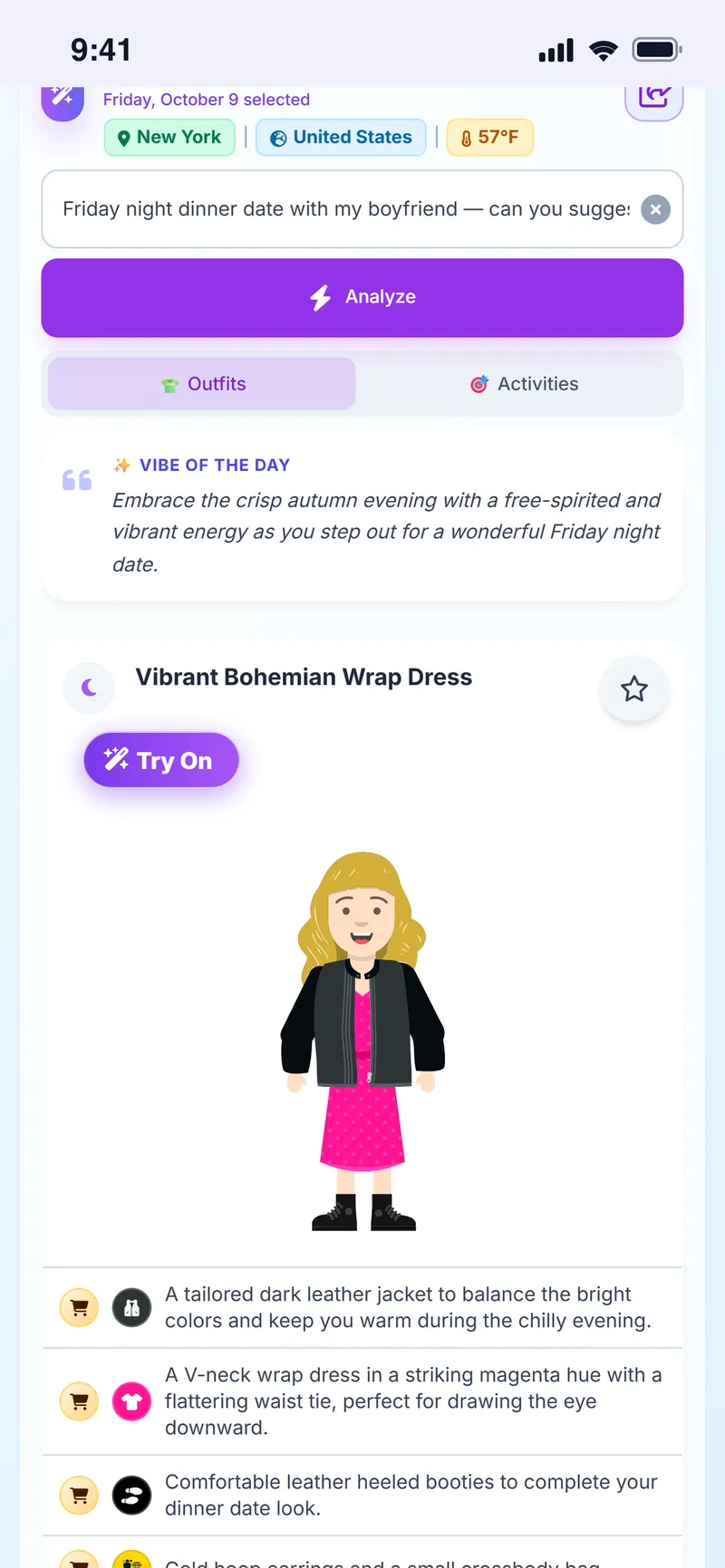
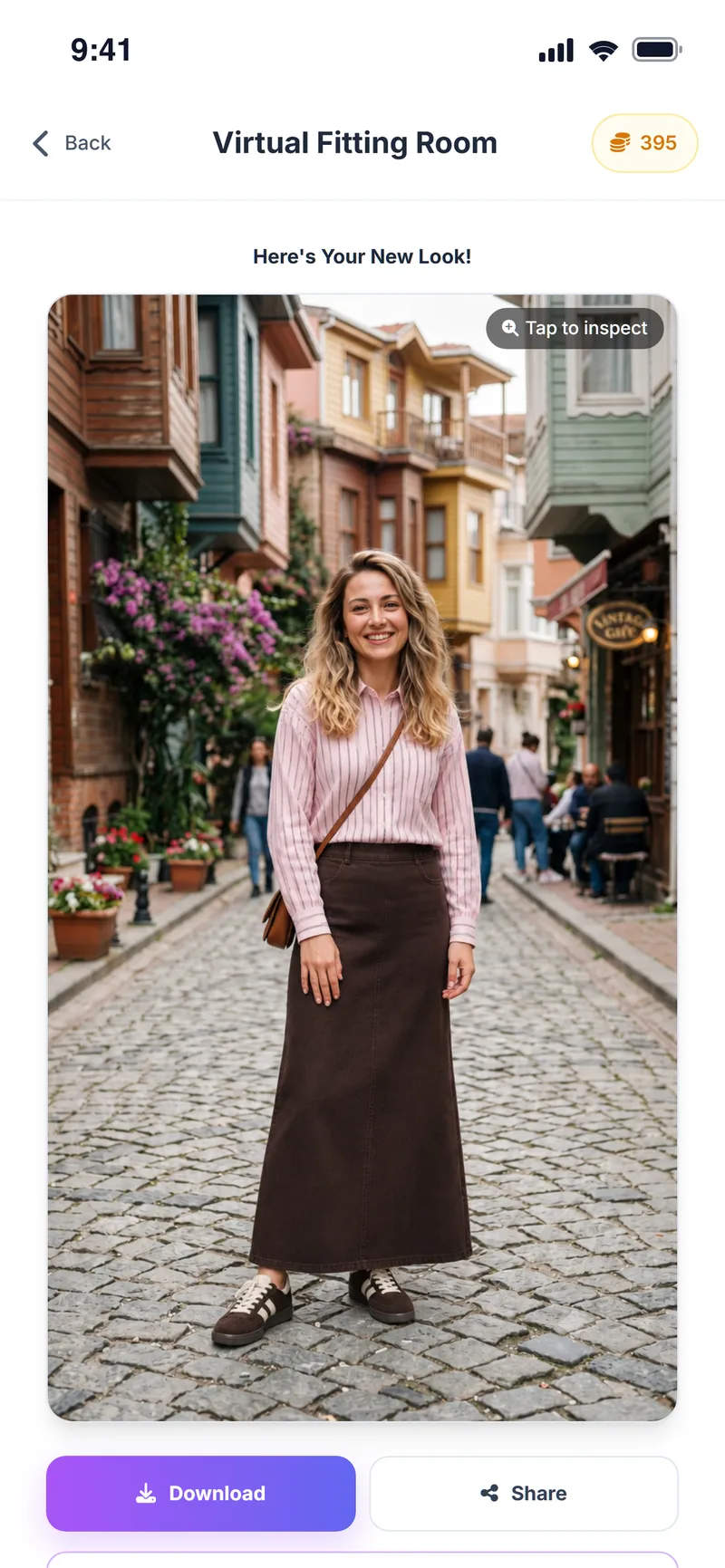
Learn which colors really suit you
The first step is free and needs no photo.
Color analysis FAQ
Is color analysis free?
The survey analysis is free. The photo analysis uses in-app coins; the cost is shown before you start.
Do I have to upload a photo?
No. A 10-question survey is enough to find your color season and palette. A photo makes the result a little more personal.
What is a color season?
A color season classifies your skin, hair and eye colors by warmth, lightness and chroma. It helps identify the color family that suits you best.
Can I change the result?
Yes. Tap suggested colors to toggle them, run a new analysis, or reset to the AI suggestion.
Where is my palette used?
In daily outfit suggestions, the Style Assistant, shopping product reviews and the Chrome extension.
What's the difference between the survey and the photo analysis?
The survey has 10 questions, is free and needs no photo. The photo method measures your skin, hair and eye colors from a photo and finishes with 4 questions; it is more precise and uses coins.
What does the body type analysis recommend?
It shows which necklines, skirts and trouser cuts flatter your body type.
Can I share my result?
Yes. Share your palette card, or tap "Show today with this palette" to get a daily outfit in your colors.
More Weather Style features
Shopping Assistant
Turn every store find into a clearer decision
Virtual Try-On
See it on yourself before you decide
Chrome Extension
Take Weather Style shopping with you
Weather & Daily Plan
Your weather and your profile, turned into a daily plan
Style Assistant
The right outfit for every occasion
Event Assistant
Plan where you're going, not just what to wear
Avatar Builder
Build your avatar and preview every outfit on it



Learn your palette once, use it in every outfit
Download Weather Style and take the free color analysis.
Some AI features use coins. In-app purchases are available.